
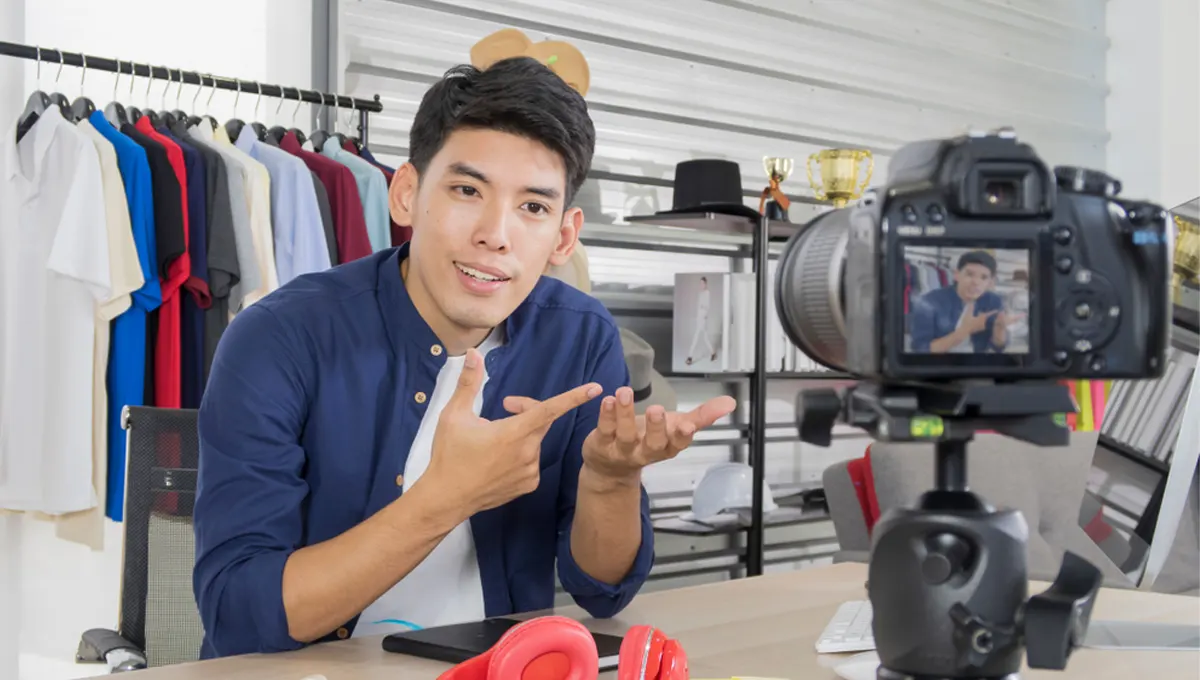
Social Media Video Maker for Creating High-Impact Content That Drives Engagement
Today, scrolling feeds are filled with motion, audio, and bite-sized storytelling. Static posts no longer pause thumbs, but videos do.
Whether you are a content creator, entrepreneur, or marketer, a social media video maker can literally revolutionize the way your message is received.
Today’s technology enables anyone to create professional videos, include music, combine audio, and deliver platform-ready content without needing highly technical knowledge.
Tools such as InVideo have democratized video creation by integrating templates, editing options, and media libraries into one seamless process. Rather than wrestling with difficult software, users can focus on storytelling and engagement.
This article will walk you through what these tools do, how to use them effectively, and the strategies that help videos perform better on social platforms, even if you are a complete beginner.
What Is a Social Media Video Maker
A social media video editor is more about video editing, while a video maker is a combination of both video creation and editing.
Video makers allow users to begin with templates, images, or blank canvases and then enhance them with transitions, text, and audio synchronization. This is the reason why both terms tend to overlap in terms of search.
The main advantage of video editors or makers is that they make video creation accessible to everyone. Individuals and small businesses can now create professional-looking videos without having to hire designers or invest in expensive software. Video creation becomes less of a technical process and more of an artistic one.
Core Features to Look For
Selecting the appropriate platform requires awareness of what functionalities add value to efficiency and quality. Not all platforms are created equal, and choosing one with the appropriate functionality makes the process smoother.
- Drag-and-Drop Editing: An easy-to-use interface eliminates intimidation. Drag-and-drop functionality enables fast addition of clips, images, and text without the complexity of timelines. This enables faster production and easier learning.
- Add Soundtrack to Video: Music adds emotion and tone. A good video editor enables users to add soundtracks to video from either in-house sources or uploaded files. Volume adjustment and fade-in/fade-out functionality is necessary for clarity.
- Merge Audio and Video: Voiceovers, background music, and sound effects require layering. The functionality to merge audio and video seamlessly enables a smooth narrative without distortion or timing issues.
- Platform-Specific Templates: Each platform has a preference for aspect ratio and length. Templates specifically designed for reels, stories, and shorts enable easy resizing and maintain consistency.
- Built-In Media Libraries: Using royalty-free images, videos, and music minimizes copyright issues. Having access to licensed materials saves time and enables creative freedom without copyright issues.
How to Use a Social Media Video Maker
Knowing the process helps make video production less intimidating and more organized. Most software has a similar process that combines creativity with productivity.
Step 1: Choose the Software
Start by selecting software that suits your skill level and compatibility with your device. Some software is geared towards mobile video editing, while others are better suited for desktop computers. Choose cloud-based software to prevent storage space issues.
Step 2: Choose a Template or Start from Scratch
Using templates helps organize and saves time, especially for new video producers. Starting from scratch gives you more creative freedom but is more time-consuming. Both methods are useful depending on the complexity of the project.
Step 3: Upload or Add Media
Add your own video footage or use stock footage. Using high-resolution images helps with professionalism and prevents pixelation when exporting the video. Prepare files for editing to stay productive.
Step 4: Edit and Organize
Remove unwanted video footage, transition times, and timing. Add text, color correction, and branding elements to keep the video’s identity intact. Keep the video’s pacing quick to keep the audience engaged.
Step 5: Add Background Music to Video
Audio adds to the emotional effect. While adding background music to the video, make sure that it does not overshadow the voiceover. Use volume sliders for this purpose.
Step 6: Merge Audio Layers
Align voiceovers with visuals. This will ensure that there are no awkward pauses or mismatches in the audio and visual cues. This step is essential for effective storytelling.
Step 7: Preview and Export
Preview the entire video before exporting it. Check the sound levels, spelling, and transitions. Export the video in high-quality formats that are compatible with various platforms.
Best Practices for Engaging Social Media Videos
Strong videos follow creative principles that go beyond editing mechanics. These best practices elevate quality and credibility while aligning with EEAT standards — experience, expertise, authority, and trust.
|
Practice |
Why It Matters |
Quick Tip |
|
Start with a Hook |
Determines if viewers keep watching |
Use bold text, motion, or a strong question in first 3–5 seconds |
|
Prioritize Audio Quality |
Poor sound reduces professionalism |
Use clear voiceovers and balanced music levels |
|
Use Captions & Text Overlays |
Improves accessibility and retention |
Add subtitles for silent viewers |
|
Optimize Length |
Short videos perform better on fast feeds |
Keep storytelling concise and focused |
|
Maintain Consistent Branding |
Builds recognition and trust |
Use the same fonts, colors, and tone |
|
End with a Clear CTA |
Drives engagement and conversions |
Ask viewers to follow, share, or click a link |
Common Mistakes to Avoid
By sidestepping these common mistakes, video quality and reception can be greatly enhanced.
- Overloading with Effects: Too many animations detract from the message being conveyed.
- Ignoring Audio Balance: Background music dominating the narration makes it hard to follow.
- Using Copyrighted Music: Using unauthorized music can lead to its deletion or account suspension.
- Neglecting Mobile Optimization: Most people consume videos on their mobile devices, so if the aspect ratio is off, it can detract from the video quality.
- Skipping Captions: Not including captions means that viewers who watch videos without sound or need captions for understanding are left out.
By keeping the goal of a video simple, clear, and accessible, these mistakes can be avoided, and the video can be kept from being overwhelming.
Conclusion
Making professional videos is no longer a task that requires expensive studios and software. With the right social media video editor, one can create professional and engaging videos that are sure to capture the audience’s attention.
Platforms like InVideo make the process much easier by combining the elements of templates, editing, and audio in one place. The trick is to find a balance between the three and use best practices that help establish trust and authority.
The trick is to start experimenting with templates, improve your editing skills, and start posting high-quality videos as soon as possible.
The sooner you start making videos, the sooner you will gain confidence and momentum, and the sooner you can make your content speak louder than static posts.
FAQ’s
- How do I create videos for social media?
Plan your content, film with good lighting and sound, edit using apps like CapCut or Adobe, then optimize for each platform's specifications.
- What is the 5 3 2 rule for social media?
Post five educational posts, three personal or engaging posts, and two promotional posts to maintain balanced, authentic, and effective social media content.
- How much does a 2 minute video cost?
Professional 2-minute videos cost between $1,000 and $10,000 depending on production quality, scripting, animation, and whether you hire freelancers or agencies.
- Which video editor is best for social media?
CapCut, Adobe Premiere Rush, Final Cut Pro, DaVinci Resolve, and InShot are top video editors offering great features for social media content creation.